Drupal Layout: Sections, Templates and Page Structure (2026)
 October 23, 2026
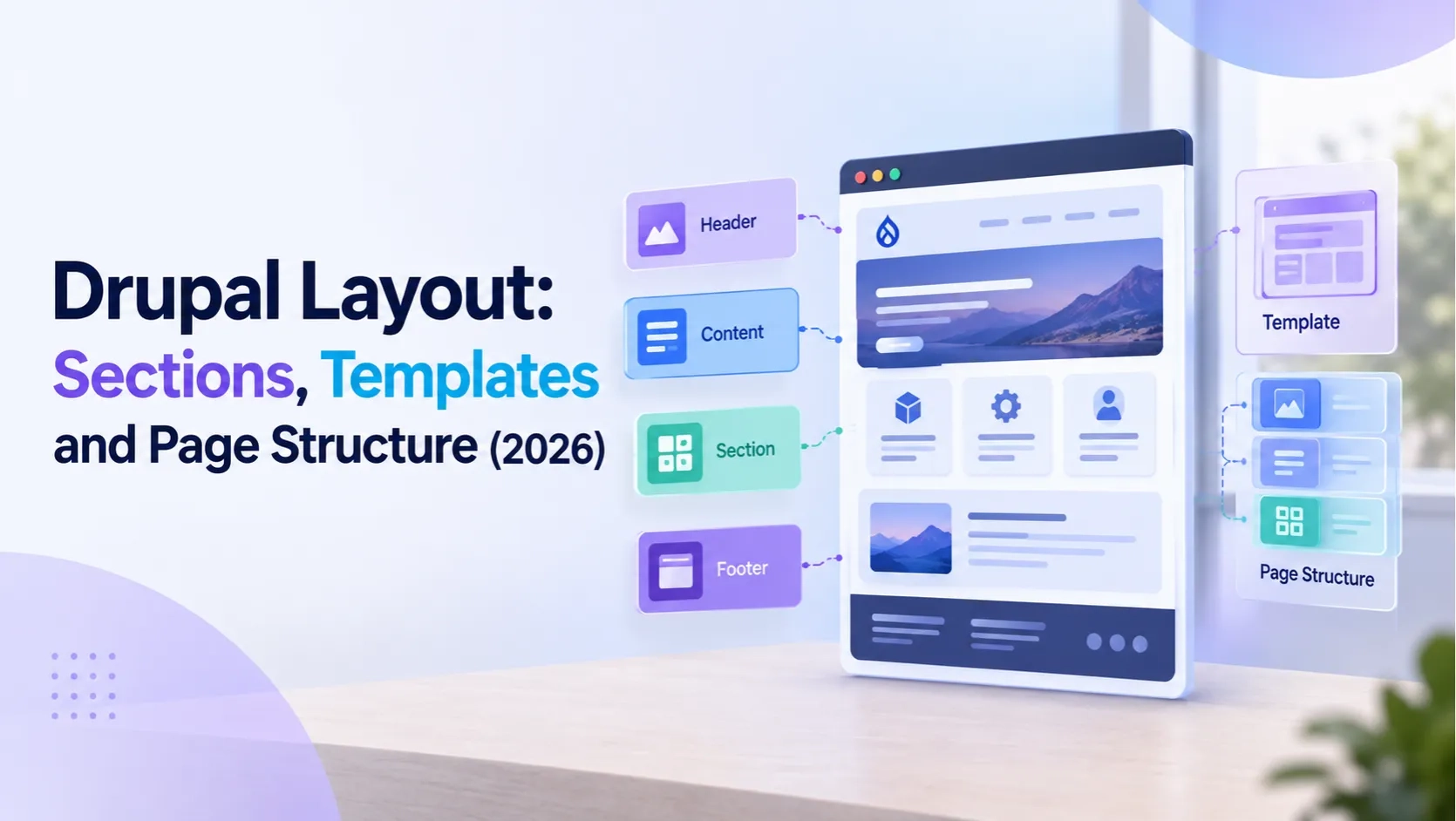
Drupal layout is not one feature — it is a layered system. The theme sets the outer page structure. The Layout Discovery module provides the plugin API that all layout tools depend on. Layout Builder uses that API to let editors build sections and columns visually. And a growing set of contributed tools — Canvas, Display Builder, Section Library — extend or replace parts of that system depending on the workflow a team needs.
This guide explains how Drupal's layout system is built, how Layout Builder sections work in practice, how to create custom layout plugins for specific column or region configurations, and which layout tools are the right fit for different kinds of Drupal projects in 2026.
1. How Drupal's Layout System Is Built
Drupal handles layout through a combination of core modules and a plugin API, not through a single interface or configuration screen.
Layout Discovery module
Layout Discovery is a core Drupal module that provides the plugin API for layouts. It defines what a layout is in Drupal terms — a set of named regions, a template for rendering them, and metadata like label and category. Any module that wants to register a layout or consume one depends on Layout Discovery. Layout Builder, Panels and Display Suite all use it.
A layout plugin in Drupal is identified by a machine name, declares its regions (named areas where content is placed), and points to a Twig template that renders those regions. The plugin can optionally extend a PHP class to add configuration options — CSS classes, spacing controls, per-region settings — that appear in the layout's admin form.
Layout Builder module
Layout Builder is the core module that brings Layout Discovery's plugin system into the editorial interface. It lets site builders and editors choose from the available layout plugins when adding sections to a page, configure each section's options, and place blocks within the regions those layouts define. Layout Builder is stable since Drupal 8.7 and fully supported in Drupal 10 and 11.
The theme layer
The theme sits above both. It controls the outer page structure — the HTML skeleton, the regions that surround the content area, the base CSS. The theme's regions are separate from Layout Builder sections. A Layout Builder page lives inside one of the theme's regions (usually the Content region). The theme frame stays the same; Layout Builder controls what is built inside it.
2. Layout Builder Sections: How They Work
A section in Layout Builder is a horizontal band of the page with a defined column structure. Every section chooses a layout plugin — one column, two columns, three columns or any custom layout a developer has registered. Different sections on the same page can use different layouts.
Core layout options available in every Drupal installation with Layout Builder:
- One column — a single full-width region spanning the page
- Two columns — two side-by-side regions with configurable width ratios: 50/50, 67/33, 33/67, 75/25, 25/75
- Three columns — three side-by-side regions, equal or custom widths
- Four columns — four equal-width regions
Each section has its own configuration beyond the column choice. The layout's PHP plugin class controls what options appear — additional CSS classes, padding settings, background options, region-level controls. Without a custom plugin class, sections use the Layout Builder defaults.
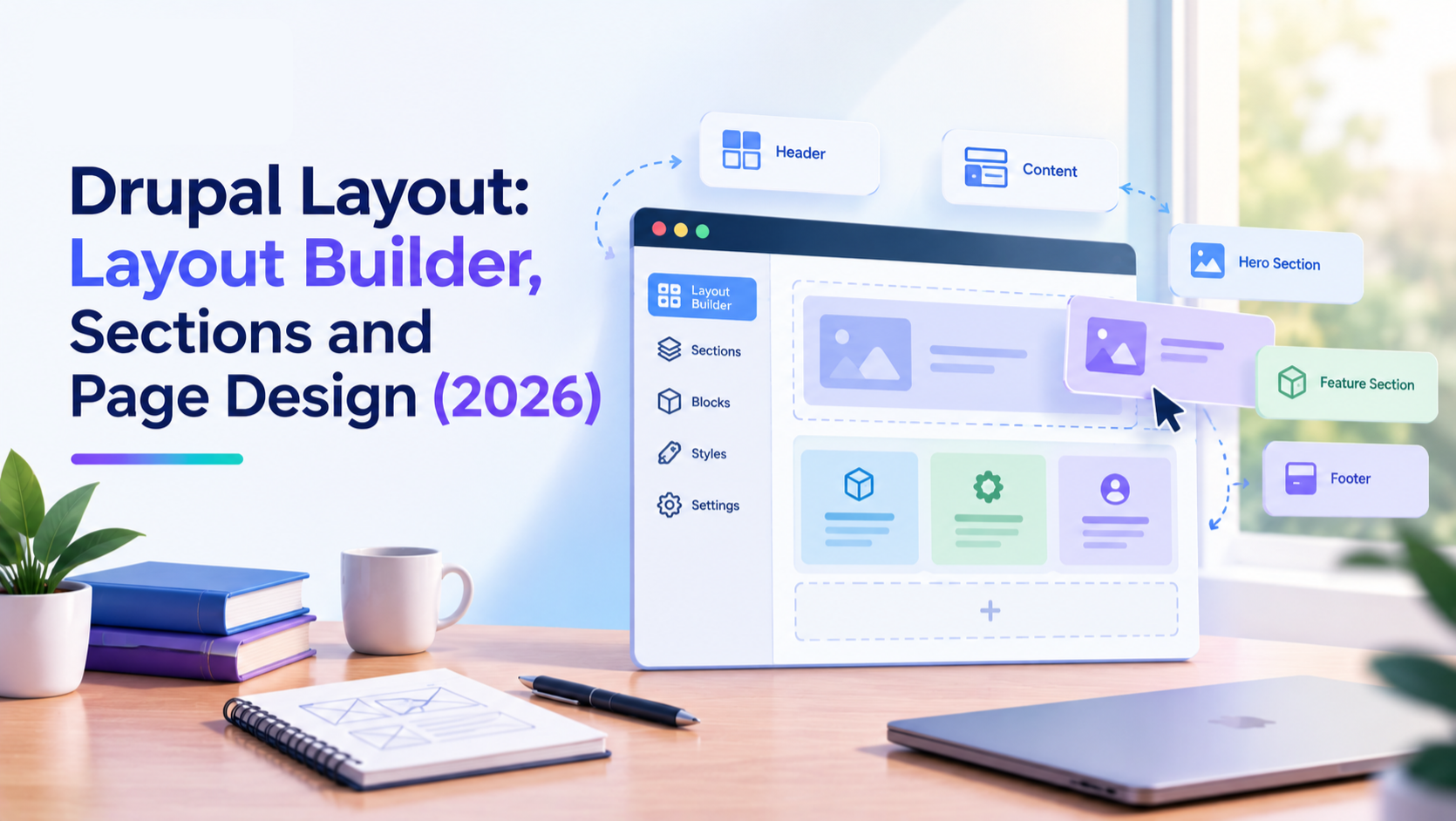
Building a page in Layout Builder means stacking sections vertically. A homepage might have a full-width hero section at the top, a three-column feature row below it, a two-column content section and a full-width footer section. Each section is independent — reordering, removing or restyling one section does not affect the others.
3. Creating Custom Layout Plugins for Drupal
The layouts that ship with Drupal core cover the most common column configurations, but projects regularly need specific layouts — a 60/40 column split, a layout with an inset sidebar, a full-bleed section with constrained content width. These are created as custom layout plugins in a Drupal module.
A custom layout plugin requires three files:
1. module.layouts.yml
This YAML file registers the layout. It declares the plugin ID, label, category, the Twig template name and path, the default region, and the list of regions with their labels. Each region needs a machine name and a human-readable label. A two-column layout would define a "left" region and a "right" region.
2. Twig template
The template renders the layout's HTML structure. It wraps the section in a container element, outputs each region using the region variables the Layout plugin passes in, and can add any structural HTML the design requires. The template should check whether a region has content before outputting its wrapper, so empty regions do not produce empty HTML elements.
3. PHP plugin class (optional)
Without a PHP class, the layout behaves exactly as the YAML declares it — structure only, no configuration form. Adding a PHP class that extends LayoutDefault lets you add configuration options: text fields for CSS classes, selects for spacing presets, checkboxes for visual options. The class's build() method adds those configured values to the render array's attributes before the template renders.
Once registered, the custom layout appears in the Layout Builder section picker alongside the core layouts. Site builders and editors can select it like any other section layout. The same YAML-and-template approach works for contributed modules that want to provide layouts — the Layout Discovery module's plugin system handles discovery automatically.
4. Reusable Layout Templates in Drupal
Layout Builder sections are configured per page by default. Every page with Layout Builder enabled has its own independent layout — the sections, the blocks placed in them, and the layout configuration are all stored per node. This is flexible, but it creates a problem for teams that need consistent page structures across many nodes: every new page starts from scratch.
Two approaches solve this.
Layout Defaults
Layout Defaults is a built-in Layout Builder mode that sets a standard section layout for an entire content type. When Layout Builder is enabled for a content type, a site builder defines the default sections and blocks under Structure > Content Types > [Type] > Manage Display > Manage Layout. Every new node of that content type starts with that layout. This is the correct approach for content types that should always have the same structure — a product page type, a service page type, a staff bio type.
Section Library module
The Section Library is a contributed module that lets editors save and reuse Layout Builder sections across pages. An editor builds a section — a two-column layout with a heading block and an image block configured exactly as needed — and saves it as a named template. That template then appears in the section picker when any editor adds a new section to any page. The saved section is copied as an independent instance, not linked to the original, so changes to a page do not affect the template.
For teams managing large site builds where editors regularly create new landing pages, Section Library significantly reduces repetitive layout work and keeps pages visually consistent without locking down editor control entirely.
5. Layout Discovery and the Layout Plugin API
Layout Discovery's plugin API is what makes Drupal's layout system extensible. Any module — core, contributed or custom — can register layout plugins, and any tool that builds on Layout Discovery automatically gains access to all registered layouts.
This is why contributed modules can add layouts to Layout Builder without Layout Builder knowing about them specifically. A custom module with a layouts.yml file registers its layouts with Layout Discovery. Layout Builder queries Layout Discovery for available layouts. The new layouts appear in Layout Builder's section picker. No direct integration between the custom module and Layout Builder is needed.
Layout plugins from contributed modules that extend the available layouts:
- Bootstrap Layout Builder — provides Bootstrap grid-based layouts (container, row, column configurations) as Layout Builder sections
- Layout Options — adds configuration options to existing core layouts without creating new layout plugins
- Radix — a Bootstrap-based theme that registers its own grid layouts compatible with Layout Builder
The Layout Discovery API is also the foundation that older layout tools like Panels and Display Suite use. These tools predated Layout Builder and defined their own plugin conventions, but from Drupal 8 onwards they have adopted the Layout Discovery standard to maintain interoperability.
6. Canvas and Display Builder: Newer Layout Tools in 2026
Two contributed modules released in 2025 and 2026 take different approaches to Drupal layout beyond what Layout Builder provides.
Canvas
Canvas extends Drupal's existing region model with a visual editing layer built on React. It introduces its own page entity type and gives content editors and designers a more direct visual interface for controlling page layout. Canvas keeps the familiar theme-based region structure but adds an interactive layer on top. It is designed for teams where editors and designers need layout control without going into the standard Drupal admin.
Display Builder
Display Builder takes a more structural approach. It replaces theme-defined regions with configurable layout entities and uses Single Directory Components as the foundation for all layout elements. Beta 2 was released in February 2026. It adds support for standard Drupal Layout plugins, SDC component slots and a layered panel system for configuration.
Both modules use Single Directory Components as their component foundation, which became part of Drupal core in Drupal 10.3. The choice between them comes down to team workflow: Canvas fits teams where content editors need a visual interface close to what page builders in other CMSs provide; Display Builder fits site builders who need deep structural control and component-driven layout management.
Both are still in active development and are not recommended as the primary layout tool for production sites in 2026 without evaluation against your specific project requirements. Layout Builder remains the stable, supported default.
7. Choosing the Right Layout Approach for Your Drupal Project
Drupal gives multiple layout tools and each fits a different project profile. The choice affects how much control editors have, how easy the site is to maintain, and how much developer work the initial build requires.
For most content-managed Drupal sites
Layout Builder with Layout Defaults is the right starting point. Set default section layouts per content type for consistency, enable Layout Overrides for the content types where editors genuinely need per-page customisation, and use Section Library if the team regularly builds new landing pages from common section templates. This approach is fully supported, well-documented and works with Drupal's standard permissions and caching systems.
For developer-controlled layouts with specific column configurations
Create custom layout plugins as a module using layouts.yml and a Twig template. Register them with Layout Discovery and they become available in Layout Builder alongside core layouts. Use a PHP plugin class when the layout needs configuration options beyond the basic column structure. This keeps the layout logic in code, version-controlled and deployable, while still giving editors the visual interface for placing blocks within those layouts.
For structured content types with fixed field layouts
Not every content type needs Layout Builder. A news article, a staff profile, a product with defined fields — these content types have predictable layouts that belong in the theme's templates, not in a per-page visual editor. Field display configuration through Manage Display, combined with a well-structured Twig template in the theme, gives cleaner output and better performance than Layout Builder for content types that never need layout variation.
For enterprise or headless Drupal builds
Drupal's JSON:API and GraphQL outputs are not affected by Layout Builder configurations — they expose field data regardless of how the page layout is arranged. Layout Builder is a display-side tool. For headless Drupal where a decoupled frontend handles all presentation, layout management moves entirely to the frontend framework and Layout Builder is typically not used at all.
Common Questions — Answered Directly
What is the Layout Discovery module in Drupal?
Layout Discovery is a core Drupal module that provides the plugin system for layouts. It allows any module to register layout plugins — defined column structures with named regions — and makes those layouts available to Layout Builder, Panels, Display Suite and any other tool that builds on the API. It is a dependency of Layout Builder and is enabled automatically when Layout Builder is enabled.
How do I create a custom layout in Drupal?
Create a custom module with a layouts.yml file that declares the layout's machine name, label, regions and Twig template path. Write the Twig template to render the layout's HTML structure and region output. Optionally add a PHP plugin class extending LayoutDefault to add configuration options. Clear Drupal's cache and the layout appears in Layout Builder's section picker automatically.
What is the difference between a layout and a template in Drupal?
A layout in Drupal is a structural definition — it declares regions and the HTML that wraps them, registered through the Layout Discovery plugin system. A template in Drupal is a Twig file that renders output — a node template, a block template, a page template. Layouts use Twig templates internally, but a layout is a plugin; a template is a theme file. Layout Builder uses layouts; the theme uses templates.
Can I reuse Layout Builder sections across pages?
Yes, with the Section Library contributed module. It lets editors save any Layout Builder section as a named template and apply it when adding new sections to any page. Each applied section is an independent copy — not linked to the original — so pages with the same section template diverge when editors customise them individually.
Is Layout Builder good for performance?
Layout Builder adds overhead compared to a plain theme template, particularly on content types with many entities, complex field configurations or a large number of sections per page. For most sites this overhead is within acceptable limits when Drupal's caching is correctly configured. Sites with very high traffic or very complex layout builds should test page load times with realistic content volumes before committing to Layout Builder as the primary layout tool.
What is the Section Library module in Drupal?
Section Library is a contributed Drupal module that adds reusable section templates to Layout Builder. Editors can save any configured Layout Builder section — including all its blocks and their settings — as a named template. That template then appears in the section library when adding a new section to any page. It solves the problem of recreating complex section configurations from scratch on every new page.
Action Checklist
- Enable Layout Builder and Layout Discovery through Structure > Content Types > Manage Display for content types that need visual layout control
- Define Layout Defaults for each Layout Builder-enabled content type before giving editors Layout Override access
- For specific column configurations not in core, create a custom layout plugin with layouts.yml and a Twig template in a custom module
- Install Section Library if your team regularly builds new pages from repeating section patterns
- Evaluate whether Layout Builder is the right tool per content type — fixed-structure content types belong in theme templates, not Layout Builder
- Check your Drupal version — Drupal 10 reaches end of life December 9, 2026
- Test Layout Builder page performance with realistic content volumes before deploying to high-traffic production environments
Get a free Drupal audit → drupalify.com/free-audit

Dixit Patel
Web Developer & BloggerI write about web development, programming tips, and Drupal Commerce solutions. Follow me for tech tutorials and updates.


Struggling with
Let Us Audit Your Website for Free & Share Actionable Fixes