Drupal 8 Paragraph: How the Paragraphs Module Works (2026)
 October 23, 2026
The Drupal Paragraphs module was introduced during the Drupal 8 era and has become one of the most widely used contributed modules in the Drupal ecosystem. It solves a problem every content-managed site eventually runs into: a single body field that becomes a dumping ground for unstructured HTML, making consistent theming and content reuse impossible.
This guide explains how the Paragraphs module works, how to create paragraph types, how to add them to content types, how nested paragraphs work, and what changed from Drupal 8 to Drupal 10 and 11.
1. What the Drupal Paragraphs Module Does
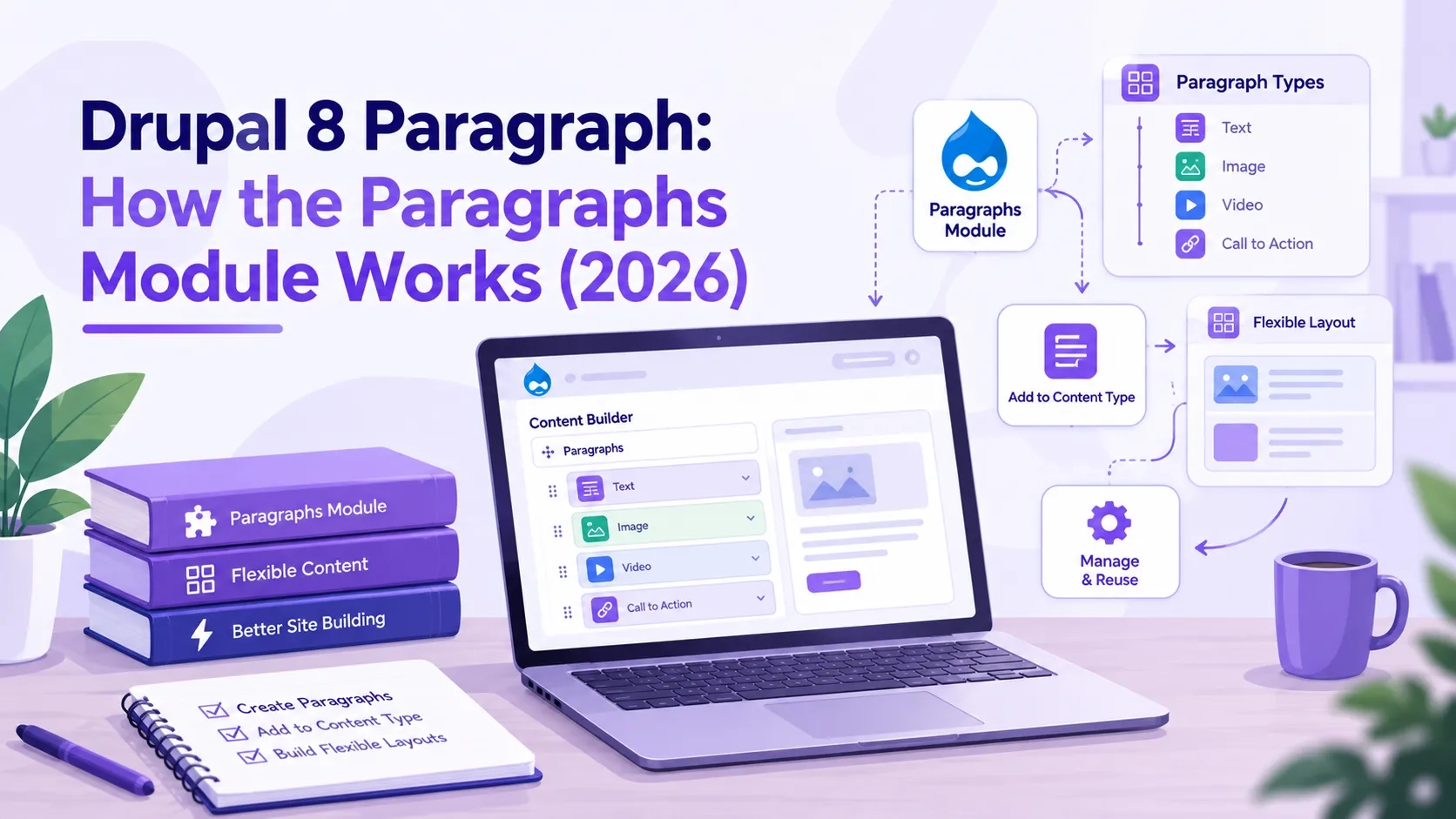
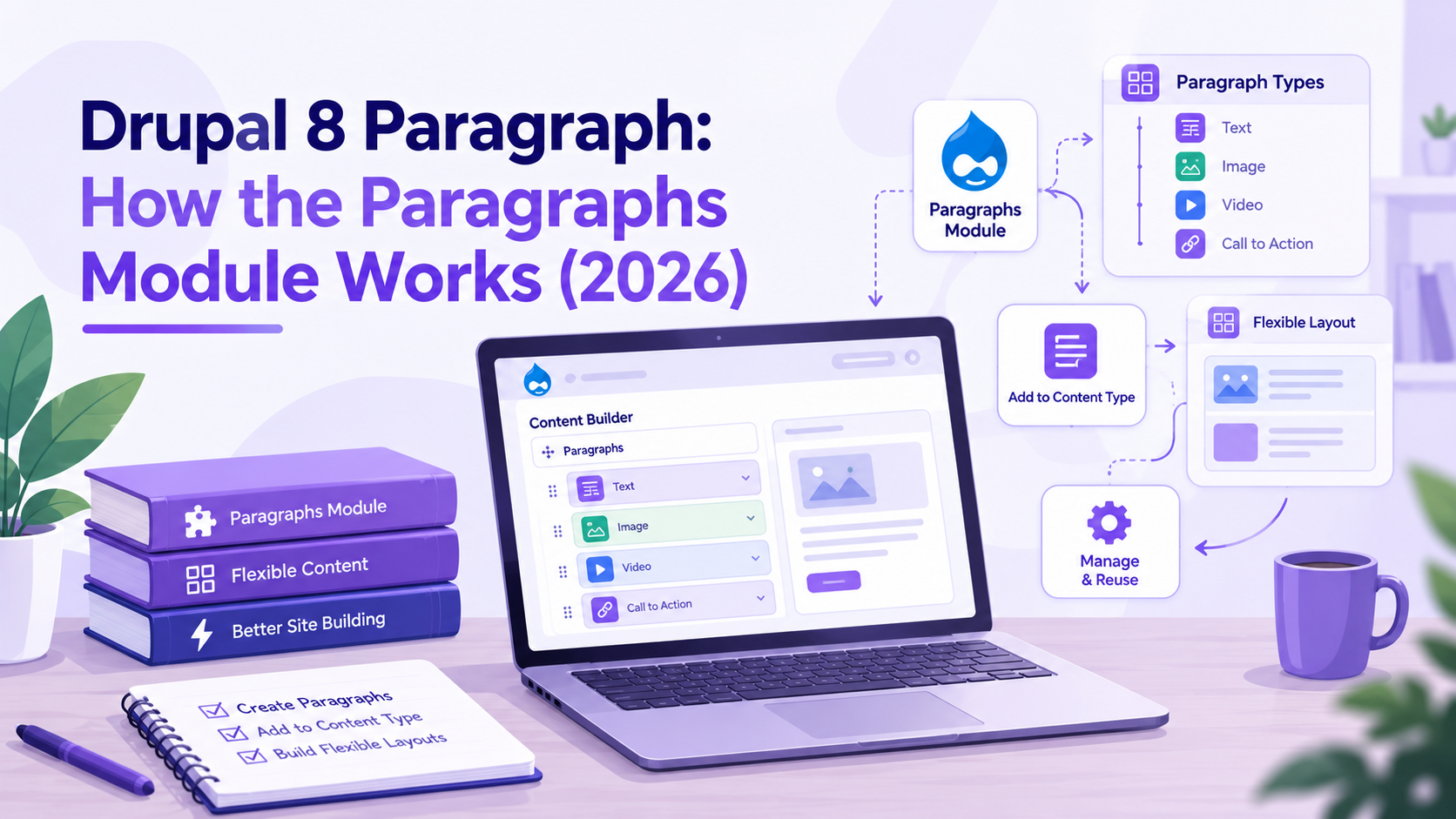
The Paragraphs module replaces the free-form body field with structured content components. Instead of editors pasting HTML into a WYSIWYG editor, they add discrete components — a text block, an image with caption, a call-to-action section, a video embed — each with its own defined fields.
Each component type is called a paragraph type. Paragraph types are configured by site builders with specific fields: a "Text Block" type might have a heading and a body field; an "Image with Caption" type might have an image field and a caption text field; a "Call to Action" type might have a title, a body and a link field.
From the editor's side, adding content becomes a matter of choosing a component type from the available paragraph types and filling in that component's fields. The order of components is set by dragging, and components can be duplicated, collapsed for space and removed without affecting others.
The Paragraphs module stores each paragraph as its own entity — separate from the node but referenced by it through an Entity Reference Revisions field. This means paragraphs are revision-tracked alongside the node. When a node is revised, its paragraphs are revised too, and rollback restores the full content structure, not just the node fields.
Current version: Paragraphs 8.x-1.23, released August 2026. It supports Drupal 10.3 and Drupal 11. Over 276,000 Drupal sites use the module.
2. Installing the Paragraphs Module
The Paragraphs module installs via Composer. It depends on the Entity Reference Revisions module, which Composer resolves automatically.
Installation steps:
- Run composer require drupal/paragraphs in your project root. Composer downloads Paragraphs and Entity Reference Revisions together.
- Go to Extend (/admin/modules) and enable Paragraphs. Entity Reference Revisions is enabled as a dependency automatically.
- Run drush updb to apply any database schema updates.
- Run drush cr to clear caches.
After installation, a Paragraph types section appears under Structure (/admin/structure/paragraphs_type). This is where all paragraph type definitions are created and managed.
Optional sub-modules
The Paragraphs module ships with several optional sub-modules:
- Paragraphs Demo — installs example paragraph types and a demo content type to explore before building your own
- Paragraphs Library — allows editors to save a configured paragraph as a library item and reuse it across multiple nodes
- Paragraphs Type Permissions — adds role-based permissions controlling which user roles can add which paragraph types
3. Creating Paragraph Types
A paragraph type is a content component definition. It specifies the fields editors fill in when adding that component to a node. Creating a paragraph type is the same process as creating a content type, but for a component rather than a page.
How to create a paragraph type:
- Go to Structure > Paragraph types and click Add Paragraph type
- Give the type a label — this is what editors see in the component picker. "Text Block", "Image Gallery", "Video Embed", "Call to Action" are common names.
- Save. The type is created with no fields. Click "Save and manage fields" to go directly to field management.
- Add fields using the standard Drupal field interface. Each field type available for content types is available for paragraph types: text, body, image, link, entity reference, number, date and more.
- Configure field display under the Manage Display tab — this controls how the fields render on the front end when the paragraph is output.
Plan paragraph types before creating them. The common mistake is building too many types too granularly — twenty paragraph types with minor differences create maintenance overhead and confuse editors. Start with the broadest useful types: a flexible text component, an image or media component, a CTA component, and a layout container for grouped content. Additional types can be added as real content needs emerge.
4. Adding Paragraphs to a Content Type
Paragraph types only become available to editors when a paragraph field is added to a content type. The paragraph field is an Entity Reference Revisions field that references Paragraph entities.
Adding a paragraph field to a content type:
- Go to Structure > Content Types > [Content Type] > Manage Fields
- Click Add field and select Entity reference revisions from the field type list
- Set the label — "Content sections", "Page components", "Body content" are common choices
- In the field settings, set Type of item to reference to Paragraph
- Set the Allowed number of values — set to Unlimited so editors can add as many components as needed
- Under Reference type, choose which paragraph types this field allows. Restrict the available types to those that make sense for this content type. A blog post might allow only Text Block and Image; a landing page might allow all types.
- Save the field. Go to Manage Form Display to choose the widget — the Paragraphs widget is the standard choice, which shows the drag-and-drop component builder in the node edit form.
One content type can have multiple paragraph fields. A page might have a "Hero" paragraph field restricted to a single Hero type at the top, and a "Content sections" paragraph field below it that allows multiple types. This gives editors flexibility within a structured layout.
5. Nested Paragraphs: Components Inside Components
Paragraph types can contain paragraph fields of their own, which enables nested paragraph structures. A "Tab Group" paragraph type might contain a paragraph field that holds "Tab Item" paragraphs. An "Accordion" type might hold "Accordion Item" paragraphs. A "Two Column Layout" paragraph might hold a paragraph field in each column.
How to create nested paragraphs:
- Create the inner paragraph type first — for example, "Tab Item" with a title and body field
- Create the outer paragraph type — "Tab Group"
- On the "Tab Group" type, add a paragraph field under Manage Fields
- In the field settings, restrict the allowed types to "Tab Item" only
- The Tab Group now accepts Tab Item paragraphs inside it. When an editor adds a Tab Group to a node, they then add Tab Items inside it
Nesting depth matters. Three to four levels of nesting is the practical limit before the editing interface becomes slow and difficult to navigate. Beyond that, editors cannot easily see the structure they are building, and the revision storage overhead grows significantly. If a structure requires more than three levels of nesting, the content model likely needs to be rethought.
Nested paragraphs also have a theming consideration. Each paragraph type has its own Twig template. The outer paragraph's template renders its fields and calls the inner paragraphs' render output within its own markup. This requires careful template planning so the outer container and inner items produce the correct HTML structure for the intended design.
6. Theming Paragraph Types with Twig
Each paragraph type renders through its own Twig template. Drupal looks for templates in a defined order, from most specific to most general:
- paragraph--[paragraph-type-machine-name].html.twig — for a specific type
- paragraph--[view-mode].html.twig — for all paragraphs in a specific view mode
- paragraph.html.twig — the default for all paragraph types
The template receives the paragraph entity's fields as Twig variables. A Text Block type with a heading field and a body field would have {{ content.field_heading }} and {{ content.field_body }} available in its template. Custom preprocessing in the theme's .theme file can pass additional variables — computed values, external data, formatted strings — to the template.
Best practice is to give each paragraph type its own template file rather than building complex conditional logic into a single paragraph.html.twig. One template per type keeps markup clean, makes debugging straightforward, and allows each type to use different HTML structures without interference.
For teams using a component library — Storybook or Pattern Lab — each paragraph type template should map to a component in that library. The template calls the component's markup with the field values passed in as component inputs. This keeps the component library and the Drupal output in sync without duplicating markup.
7. Paragraphs on Drupal 10 and 11: What Changed from Drupal 8
The Paragraphs module originated in the Drupal 8 era and has carried forward to Drupal 10 and 11 with the same core concept but important updates.
Compatibility
Paragraphs 8.x-1.23, the current stable release as of August 2026, is compatible with Drupal 10.3 and Drupal 11. The version numbering reflects its Drupal 8 origin — the module branch is still called 8.x-1.x because the module's API has remained stable enough that a new branch was not needed. On Drupal 10 and 11, install and use it exactly as described in this guide. No separate Drupal 10 or 11 version is required.
Drupal 10 EOL
Drupal 10 reaches end of life on December 9, 2026. Sites running Drupal 8 with Paragraphs need to have completed migration to Drupal 10 or 11 before that date. Drupal 8 itself reached end of life in November 2021 and receives no security updates. Any site still on Drupal 8 is running on an unsupported platform.
Paragraphs and migrations
When migrating content between Drupal versions or restructuring content within a site, the `create_default_paragraph_revision` process plugin from the Migration Tools module handles paragraph entity creation during node migration. Migrations that restructure taxonomy terms into paragraph entities use the sub_process, multiple_values and callback plugins together — each source term becomes a nested paragraph on the destination node. This approach maintains content relationships without manual re-entry.
Paragraphs Library for reuse
The Paragraphs Library sub-module, available in the same package, allows editors to save a configured paragraph as a library item. Library paragraphs are referenced rather than copied — one library item can appear on many nodes, and updating the library item updates it everywhere it is used. This is the correct tool when the same content component needs to stay in sync across multiple pages.
Common Questions — Answered Directly
What is the Drupal Paragraphs module?
The Drupal Paragraphs module lets site builders define reusable content component types — called paragraph types — that editors add to nodes. Each paragraph type has its own fields. Editors add components of those types to a node's paragraph field, reorder them and remove them without affecting other content. It replaces the single WYSIWYG body field with structured, manageable components.
Does the Paragraphs module work with Drupal 10 and 11?
Yes. Paragraphs 8.x-1.23, released August 2026, supports Drupal 10.3 and Drupal 11. The 8.x-1.x version branch name reflects its origin in the Drupal 8 era, not its current compatibility. Install it on Drupal 10 or 11 with composer require drupal/paragraphs.
What is a paragraph type in Drupal?
A paragraph type is a component definition — it specifies which fields make up that component. A "Call to Action" paragraph type might have a heading, body and link field. An "Image Gallery" type might have an image field with multiple values allowed. Site builders create paragraph types at Structure > Paragraph types and add them to content types through a paragraph field.
Can Drupal paragraphs be nested?
Yes. Paragraph types can include a paragraph field, which allows one paragraph type to contain other paragraph types inside it. This enables structures like tab groups, accordions and multi-column layouts. Nesting beyond three to four levels is not recommended — it slows down the editing interface and adds revision storage overhead.
What is the difference between Paragraphs and Layout Builder in Drupal?
Paragraphs manage content structure — the components inside the body of a node, stored as part of the content and version-controlled with it. Layout Builder manages page layout — the sections and columns that frame the page, configured at the theme or editor level. Many sites use both: Layout Builder controls the page structure, and Paragraphs components fill a paragraph field inside that structure.
How do I theme a paragraph type in Drupal?
Create a Twig template named paragraph--[machine-name].html.twig in your theme's templates directory. Drupal discovers it automatically when caches are cleared. The template receives the paragraph entity's fields as {{ content.field_name }} variables. Use a separate template file for each paragraph type rather than building conditional logic into a single template.
Action Checklist
- Install via composer require drupal/paragraphs and enable Paragraphs and Entity Reference Revisions under Extend
- Plan paragraph types before creating them — start with broad, reusable types and add specific ones only when real content needs require them
- Restrict which paragraph types each content type's paragraph field allows — don't expose all types everywhere
- Enable Paragraphs Type Permissions if different user roles should have access to different paragraph types
- Create a Twig template per paragraph type — one template per type keeps theming clean and maintainable
- Keep nesting to three to four levels maximum — more than that slows the editor and complicates theming
- Check your Drupal version — Drupal 10 reaches end of life December 9, 2026
Get a free Drupal audit → drupalify.com/free-audit

Dixit Patel
Web Developer & BloggerI write about web development, programming tips, and Drupal Commerce solutions. Follow me for tech tutorials and updates.


Struggling with
Let Us Audit Your Website for Free & Share Actionable Fixes