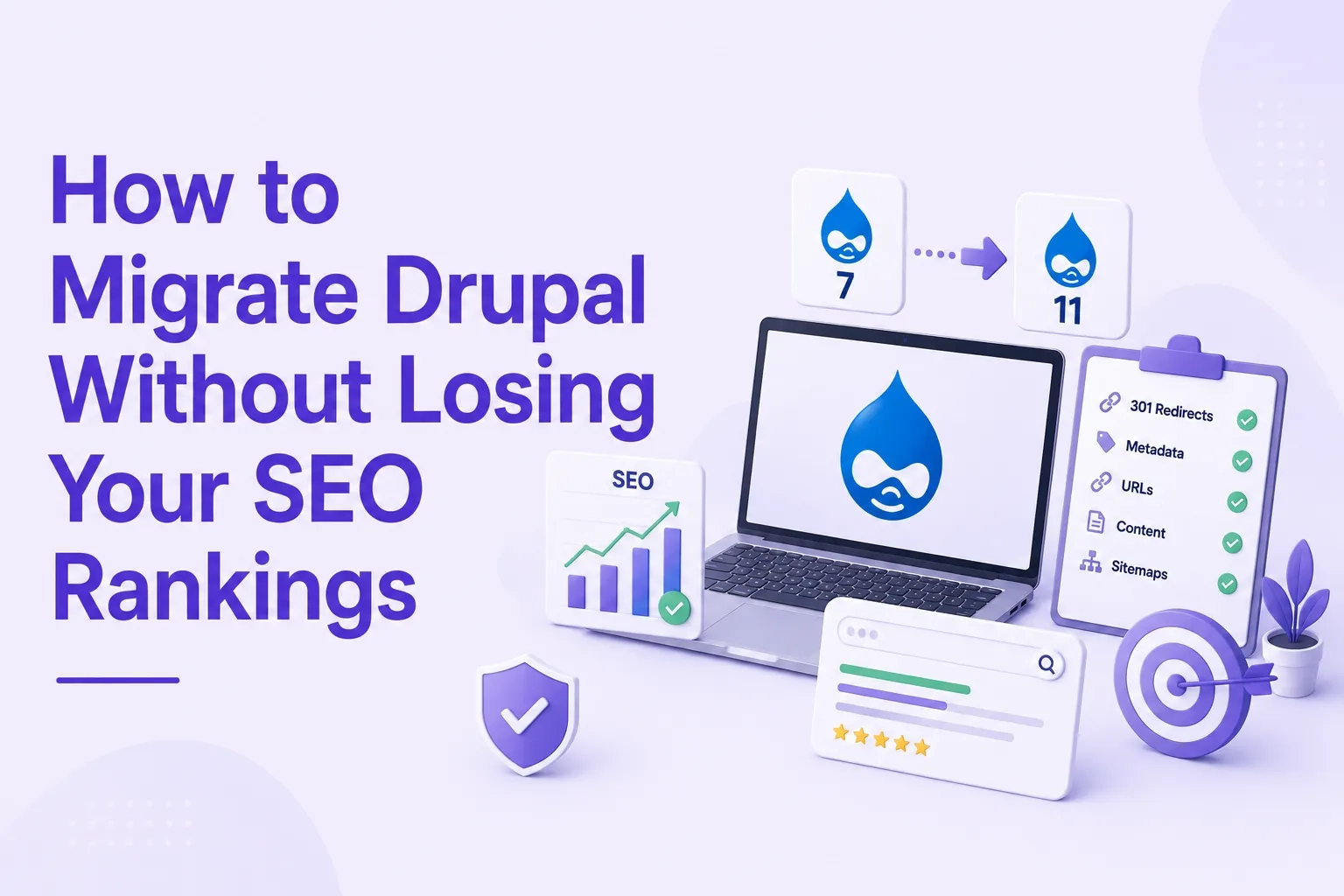
How to Migrate Drupal Without Losing Your SEO Rankings
 August 10, 2026
The most common fear we hear from organizations planning a Drupal migration is not about downtime or data loss. It's about rankings.
"Will we lose our Google traffic?" It's a reasonable question. A poorly executed migration can wipe out years of organic equity in weeks. A well-executed one can preserve it entirely — and in some cases, improve it, because Drupal 11's performance improvements directly benefit Core Web Vitals scores that Google uses as ranking signals.
This guide covers what actually matters for SEO during a Drupal migration, in the order it needs to happen.
Before the Migration Starts
Audit Your Current SEO Baseline
Before anything changes, you need to know exactly what you're protecting. Export from Google Search Console:
Your top 100 pages by organic traffic
Your top 50 pages by impressions
Every page ranking in positions 1–20 for any keyword
Every URL with significant backlinks pointing to it
These pages are your migration priorities. A broken redirect on any of them means immediate ranking and traffic loss. Generic migration checklists that treat all URLs equally miss this — and it's where most migrations go wrong.
Crawl Your Full URL Structure
Use Screaming Frog, Sitebulb, or Ahrefs to crawl your entire Drupal site before migration begins. Export every indexable URL — including node paths, taxonomy pages, view pages, user pages, and any custom routes. This becomes your redirect source of truth. You cannot redirect what you do not know exists.
Drupal 7 sites in particular often have URL structures that have accumulated over years: /node/123 paths, /taxonomy/term paths, and custom alias patterns. All of these need to be mapped before go-live, not discovered after.
Build Your Redirect Map Before Writing a Line of Code
Redirect mapping is the single highest-impact SEO task in any migration. Every URL that changes without a 301 redirect is a potential ranking loss.
Create a spreadsheet with three columns: old Drupal URL, new Drupal 11 URL, and redirect type. For pages being removed, use a 410 (gone) rather than redirecting to an unrelated page — Google treats redirecting everything to the homepage as soft 404 behavior, which signals content loss rather than content movement.
Avoid redirect chains. Redirecting Page A to Page B to Page C slows indexing and dilutes link equity. Map every old URL directly to its final destination.
During the Migration
Build and Test on Staging — Never Production
The new Drupal 11 site should be built and fully tested in a staging environment while your existing site continues to serve traffic. Block staging from Google using robots.txt or noindex — you don't want Google crawling and indexing a half-built site.
Test every redirect in the staging environment before go-live. Crawl the redirect map, confirm no chains, loops, or broken destinations. Platform-specific Drupal migrations add complexity that generic crawl tools miss — test with actual Drupal module configurations in place.
Preserve Content Depth on High-Value Pages
One of the most common silent killers of post-migration rankings is content thinning. The new design is cleaner, the layout is improved — but the original page had 1,200 words of content that ranked for twelve related keywords, and the redesigned version has 400.
For every page in your top 100 organic traffic list, compare word count, heading structure, internal link count, and schema markup before and after. Any reduction in content depth on a high-ranking page is a risk that needs a deliberate decision, not an oversight.
Internal Linking — The Overlooked Risk
Google deprioritizes pages with no internal links pointing to them. In a Drupal migration, where navigation and content relationships are being rebuilt, orphan pages are one of the most common and invisible causes of post-migration ranking drops.
Run an internal link report on your current Drupal site before migration. After launch, run it again on the new site and compare. Any page that had internal links before and has none after is a problem to fix before Google notices it.
Launch Day — The Compressed Window
Go live during your lowest-traffic window. Use Google Analytics hourly data to identify the four-hour period with the fewest organic sessions — typically Sunday between 2 and 6 AM local time.
In the hours immediately after launch, manually verify the top 50 URLs by organic traffic. One broken redirect on a high-value page costs rankings within hours. The verification checklist:
301 redirects live and returning correct status codes
Canonical tags pointing to correct URLs on all pages
Robots.txt allowing Google to crawl the new site (not still blocking as staging)
XML sitemap updated and submitted to Google Search Console immediately after launch
Meta titles and descriptions present on all migrated pages
Structured data (schema markup) implemented and validated
After Launch — The Monitoring Period
Expect some ranking fluctuation in the first two to four weeks after launch. This is normal as Google re-crawls and re-indexes the new site. What's not normal is sustained drops in traffic on pages that were redirected correctly with content preserved.
Monitor Google Search Console daily for the first two weeks, weekly after that. Watch for:
Coverage errors — URLs that are excluded, duplicated, or marked as alternate unexpectedly
Crawl anomalies — pages being crawled at significantly different rates than before
Individual page ranking changes — a few strategic pages losing visibility while overall traffic looks stable still needs attention
Drupal 11 Performance as an SEO Advantage
One genuine upside of migrating to Drupal 11 from an older version is the performance improvement. Drupal 11 delivers 1/3 fewer database and cache lookups compared to Drupal 11.0, Brotli compression for assets, and measurably faster page loads on equivalent hardware.
Google's Core Web Vitals — Largest Contentful Paint, Cumulative Layout Shift, Interaction to Next Paint — are ranking signals. A Drupal 7 site that loaded in 6-8 seconds on mobile and migrates to Drupal 11 with proper caching configuration will typically see measurable PageSpeed improvements. Those improvements translate directly into ranking signals that didn't exist before.
We migrated a pharma client from Drupal 7 to Drupal 11 earlier this year. Mobile PageSpeed score went from 31 to 72 on the same content and same hosting. The SEO benefit of that performance improvement compounds over time.
The December 2026 Deadline and SEO Risk
Drupal 10 reaches end of life December 9, 2026. After that date, no security patches will be issued for Drupal 10 core or contributed modules.
From an SEO standpoint, running an unsupported CMS creates a specific risk: when a security vulnerability is publicly disclosed and exploited, the consequences often include site defacement, malicious content injection, and Google flagging the site as dangerous — which removes it from search results entirely. Recovery from a Google safe browsing flag is measured in weeks, not days.
The SEO case for migrating before December 9, 2026 is not just about avoiding a technical deadline. It's about not putting at risk the organic equity you've spent years building.
Common Questions — Answered Directly
Will my Drupal migration affect my Google rankings?
It can — positively or negatively, depending on execution. The factors that determine the outcome are: whether every indexed URL is covered by a 301 redirect, whether content depth is preserved on high-traffic pages, whether internal link structure is maintained, and whether the new site launches with clean technical signals. Done correctly, a Drupal migration is SEO-neutral or better.
How long does it take to recover SEO after a Drupal migration?
With a well-executed migration — complete redirect map, preserved content, clean technical launch — ranking fluctuations typically settle within two to four weeks. With an incomplete redirect map or significant content loss, recovery can take three to six months, and some rankings may not return.
What is the most important SEO task in a Drupal migration?
Redirect mapping. Pre-migration preparation accounts for 60-70% of migration success. A complete 1:1 redirect map, built before launch and verified in staging, is the single task that determines whether your organic traffic survives the transition.
Does Drupal 11 have better SEO than Drupal 7?
Yes, in two specific ways. First, Drupal 11's performance improvements directly benefit Core Web Vitals scores, which are Google ranking signals. Second, Drupal 11 supports modern schema markup and structured data more comprehensively, which improves visibility in AI-powered search results from ChatGPT, Perplexity, and Google AI Overviews.
Should I migrate to Drupal 11 or Drupal 12 for SEO?
Drupal 11. Drupal 12 is scheduled for December 7, 2026 — two days before Drupal 10 reaches end of life. Migrating to a brand new .0 release on a compressed timeline, without a production track record or fully tested contributed module ecosystem, is unnecessary risk. Drupal 11 is stable, fully supported until 2028, and the correct migration target for organizations working toward the December 2026 deadline.
Concerned about SEO during your Drupal migration? We audit the full URL structure, build the redirect map, and validate technical SEO before launch — as part of every migration we deliver. Free site audit to start.
Get your free audit → drupalify.com/contact

Dixit Patel
Web Developer & BloggerI write about web development, programming tips, and Drupal Commerce solutions. Follow me for tech tutorials and updates.

Get a Free Drupal Audit →
Discover security vulnerabilities, performance bottlenecks, and code health issues on your site.
Get a Free Drupal Audit →

Struggling with
Let Us Audit Your Website for Free & Share Actionable Fixes