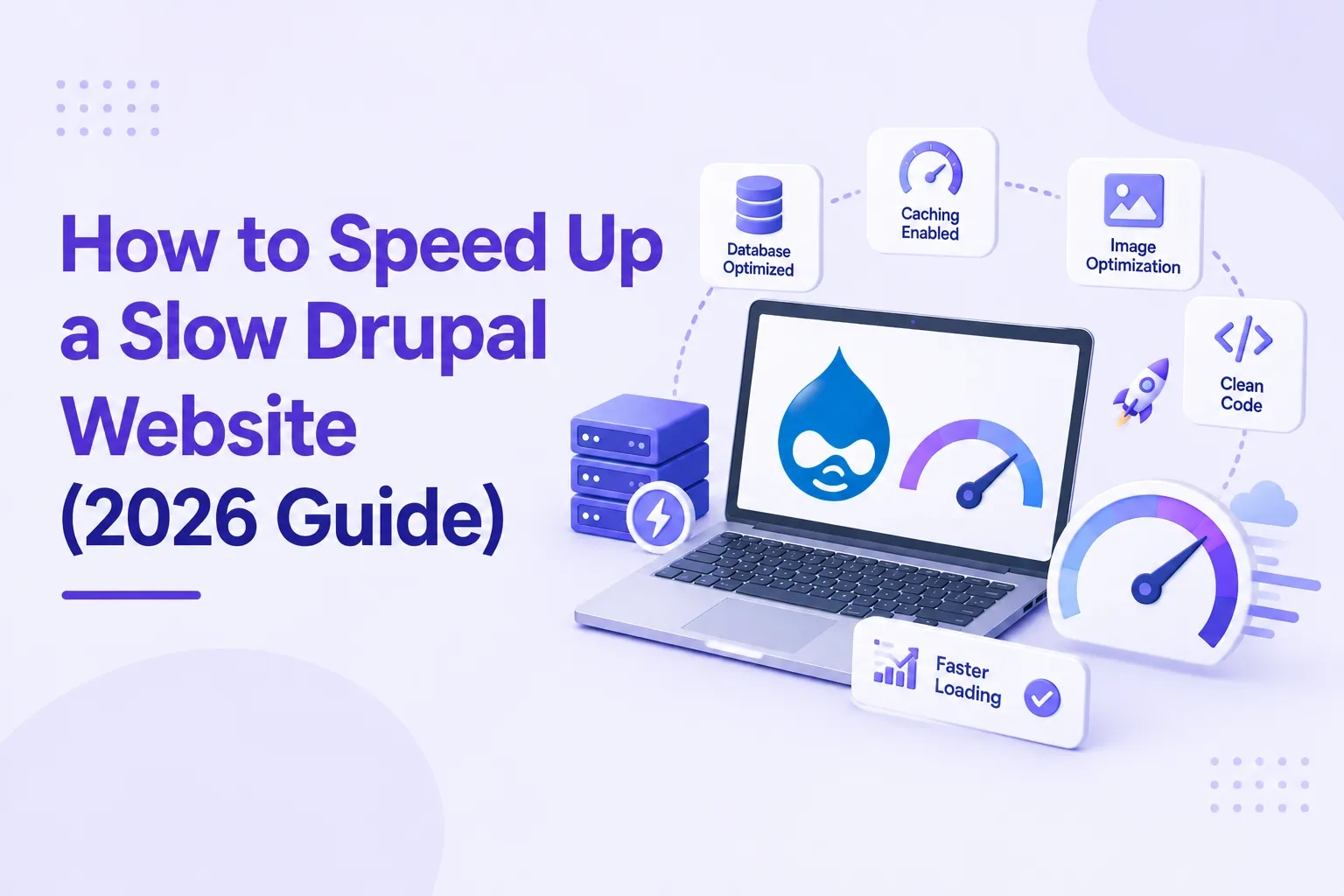
How to Speed Up a Slow Drupal Website (2026 Guide)
 September 14, 2026
A slow Drupal site costs more than most teams realize. Google uses Core Web Vitals as ranking signals — Largest Contentful Paint, Cumulative Layout Shift, Interaction to Next Paint. A site that loads in 6 seconds on mobile isn't just frustrating for visitors. It's losing search rankings, conversions, and trust simultaneously.
The good news: most Drupal performance problems have a short list of causes, and fixing them doesn't require a complete rebuild. We took a pharma client's site from a mobile PageSpeed score of 31 to 72 on the same content and same hosting, by addressing these issues in order.
Here's what to check, and in what order.
Step 1: Diagnose Before You Fix Anything
The most common mistake in Drupal performance work is fixing things that aren't causing the problem. Run these tools first:
Google PageSpeed Insights (pagespeed.web.dev) — check both mobile and desktop scores separately. Mobile is what Google measures for rankings.
Chrome DevTools — Network tab shows which files are slowest to load. Look for large images, unminified JS/CSS, and slow server response times.
Drupal's built-in Status Report (/admin/reports/status) — flags configuration issues, outdated modules, and PHP version mismatches.
Upgrade Status module — shows which contributed modules are unmaintained or need updates.
The output from these four tools tells you where the slowness actually lives: server-side, database, frontend assets, or a combination. Don't start optimizing until you know which.
Step 2: Check Your PHP Version First
This is the highest-impact, lowest-effort fix on the list. PHP version matters more than most teams realize. Running PHP 8.3 (the current recommendation as of mid-2026) improves Drupal performance without any code changes whatsoever.
Older PHP versions execute the same code slower. If your site is running PHP 7.x or 8.0, upgrading to 8.3 often produces a visible performance improvement before touching anything else. Check your current version at /admin/reports/status. If you're not on 8.3, ask your hosting provider to upgrade.
One important note: upgrading PHP can cause compatibility issues with older contributed modules. Run the Upgrade Status module before upgrading, and test on a staging environment first.
Step 3: Configure Caching Properly
Drupal has a layered caching system, and most slow sites have at least one layer either disabled or misconfigured. Here's what to check:
Internal Page Cache and Dynamic Page Cache
Both should be enabled by default in Drupal 9, 10, and 11. Check at /admin/modules. The Internal Page Cache serves cached pages to anonymous visitors. The Dynamic Page Cache handles personalized content separately. If either is disabled, enable it immediately.
Important: Internal Page Cache only works for anonymous traffic. Once a user logs in, they bypass it entirely. For sites with authenticated users, you need an external caching layer.
BigPipe
BigPipe changes how pages load in the browser. Instead of waiting for every element to be ready, it sends the page structure immediately and fills in slower sections afterwards. Pages feel faster even when total load time is similar. In Drupal 11.3, BigPipe was rebuilt to be significantly more lightweight.
Enable BigPipe at /admin/modules. It's included in Drupal core and free to enable.
Redis or Memcached
For high-traffic sites or sites with authenticated users, Redis or Memcached stores frequently-needed data in server memory rather than querying the database on every request. Pantheon's documentation references Redis improvements in the 20-50% range depending on query load. Your hosting provider or development team handles this configuration.
Varnish (for enterprise sites)
Varnish is a caching layer that intercepts requests before they reach Drupal, serving pre-built pages directly. For enterprise sites with significant anonymous traffic, Varnish is standard infrastructure. Acquia and Pantheon include it as part of their managed hosting.
Step 4: Fix Image Optimization
Large images are one of the top causes of slow Drupal pages — and one of the easiest to fix. Three changes make the biggest difference:
Convert to WebP
WebP images are typically 25-35% smaller than equivalent JPEG or PNG files with no visible quality loss. Drupal 11 includes Brotli compression for assets. Use Drupal's Image Styles module to automatically serve WebP versions of uploaded images to browsers that support it.
Implement Lazy Loading
Lazy loading tells the browser to only load images when they scroll into view, rather than loading everything at once. Add loading='lazy' to image tags. For Drupal, the Lazy module or native Drupal 10/11 lazy loading configuration handles this automatically.
Define Image Dimensions
Images without defined width and height cause Cumulative Layout Shift (CLS) — the jarring movement of content as images load. CLS is a Core Web Vitals metric that Google measures. Set explicit dimensions on all images, especially above the fold.
Step 5: Clean Up Database Performance
Without proper database tuning, complex queries can easily take 8 to 12 seconds to execute during peak traffic. Two areas cause most database slowdowns:
Views complexity
The Views module is one of Drupal's most powerful tools and one of its most common performance problems. Views with multiple relationships, complex sorting, and no caching force the database to execute expensive queries on every page load. For each View on your site: enable time-based caching, add database indexes on the fields you're sorting and filtering by, and audit whether the relationship complexity is actually necessary.
Database bloat
Drupal stores a revision of every piece of content by default. A site that's been running for years can have thousands of unnecessary revisions taking up database space and slowing queries. Use the DB Maintenance module or Drush commands to clean up old revisions, expired sessions, and watchdog logs. Disable the Database Logging module in production unless you're actively debugging.
Step 6: Optimize Frontend Assets
Drupal's built-in CSS and JS aggregation combines multiple files into fewer requests. Enable it at /admin/config/development/performance. Both 'Aggregate CSS files' and 'Aggregate JavaScript files' should be checked on any production site.
For further compression, the AdvAgg (Advanced CSS/JS Aggregation) module provides additional optimization beyond Drupal's built-in tools, including minification and more aggressive file combining.
Remove unused modules. Every enabled module that loads CSS or JavaScript adds to page weight, even modules you're not actively using. Audit enabled modules and disable anything that isn't serving a current purpose.
Step 7: Consider Managed Drupal Hosting
If you've addressed caching, images, database, and frontend assets and the site is still slow, the constraint may be the hosting infrastructure itself. Managed Drupal hosting on Acquia or Pantheon is purpose-built for Drupal performance — with performance-optimized configurations, built-in caching layers, CDN support, and automatic PHP management included.
The difference between shared hosting and managed Drupal hosting can be significant. We regularly migrate sites to Pantheon or Acquia as part of performance engagements and see meaningful improvements without touching any application code.
The Drupal Version Effect
All of the above optimizations apply regardless of Drupal version. But there's a ceiling on how much you can optimize an older Drupal installation.
Drupal 11.4.0, released July 1, 2026, executes just over one-third of the database and cache lookups that Drupal 11.0 or 10.6 required for the same requests. Compared to Drupal 11.3, database queries are cut roughly in half. JavaScript and CSS compression improved 15-25% with Brotli support.
If your site is on Drupal 7, 8, or 9 — which are all end of life — you're optimizing a platform that has architectural performance limits baked in. We migrated a pharma client from Drupal 7 to Drupal 11. Mobile PageSpeed went from 31 to 72. Same content, same hosting. That gap cannot be closed with caching configuration.
Drupal 10 hits end of life December 9, 2026. If you're planning a migration anyway, the performance improvement is one more reason to do it before the deadline rather than after.
Common Questions — Answered Directly
Why is my Drupal site so slow?
The most common causes of a slow Drupal site are: caching not configured or disabled, running an outdated PHP version (below 8.3), large unoptimized images without lazy loading, complex Views queries without database indexes, database bloat from years of revisions and logs, and too many enabled modules loading unnecessary CSS and JavaScript. Run Google PageSpeed Insights and Drupal's Status Report to identify which applies to your site.
How do I fix Drupal caching?
Check that Internal Page Cache and Dynamic Page Cache are both enabled at /admin/modules. Enable BigPipe for faster perceived load times. For high-traffic sites with authenticated users, add Redis or Memcached as an external caching layer. Enable CSS and JS aggregation at /admin/config/development/performance.
What PHP version should Drupal run on?
PHP 8.3 is the recommended version for Drupal as of mid-2026. It's faster and more secure than earlier versions. Drupal 11 requires PHP 8.3 minimum. If you're on PHP 7.x or 8.0, upgrading to 8.3 improves performance without any code changes — but test on staging first, as older modules may have compatibility issues.
How much can I improve Drupal PageSpeed scores?
The improvement depends on your starting point and what's causing the slowness. Addressing caching, images, and PHP version on a poorly optimized site can move PageSpeed scores significantly. We took a Drupal 7 site from 31 to 72 mobile PageSpeed by migrating to Drupal 11 and configuring performance properly — same content, same hosting. Migrating from an end-of-life Drupal version to Drupal 11 itself delivers measurable performance improvement through architectural improvements alone.
Does upgrading Drupal improve performance?
Yes, meaningfully. Drupal 11.4 delivers one-third of the database lookups that Drupal 11.0 required, and half the queries of Drupal 11.3. Brotli compression improves JS and CSS delivery by 15-25%. These improvements apply without changing your content, design, or custom features.
What is BigPipe in Drupal and should I enable it?
BigPipe is a Drupal core module that changes how pages load. Instead of waiting for every element to finish processing, it sends the page structure to the browser immediately and fills in slower sections afterwards. Pages feel faster even when total load time is similar. Enable it at /admin/modules — it's included in core and has no downside for most sites.
How do I speed up Drupal Views?
Enable time-based caching on every View at the View's configuration settings. Add database indexes on the fields you're filtering and sorting by. Audit relationship complexity — every relationship join adds database load. For very complex Views on high-traffic pages, consider using custom database queries instead.
Drupal Performance Checklist — Quick Reference
Run Google PageSpeed Insights — mobile and desktop separately
Check PHP version at /admin/reports/status — upgrade to 8.3 if needed
Enable Internal Page Cache and Dynamic Page Cache
Enable BigPipe at /admin/modules
Configure Redis or Memcached for authenticated user caching
Enable CSS and JS aggregation at /admin/config/development/performance
Convert images to WebP and implement lazy loading
Define explicit dimensions on all images above the fold
Enable caching on all Views
Add database indexes on heavily-queried fields
Clean up revisions, sessions, and logs with DB Maintenance
Disable unused modules
Consider Acquia or Pantheon managed hosting
If on Drupal 7, 8, or 9 — migration to Drupal 11 is the highest-impact performance action available
Running a slow Drupal site and not sure where the problem actually is? We run a free performance and security audit — PageSpeed, caching configuration, module status, PHP version, and Drupal version. You get an honest picture of what's causing the slowness and what to fix first. No obligation.
Get your free audit → drupalify.com/contact

Dixit Patel
Web Developer & BloggerI write about web development, programming tips, and Drupal Commerce solutions. Follow me for tech tutorials and updates.



Struggling with
Let Us Audit Your Website for Free & Share Actionable Fixes