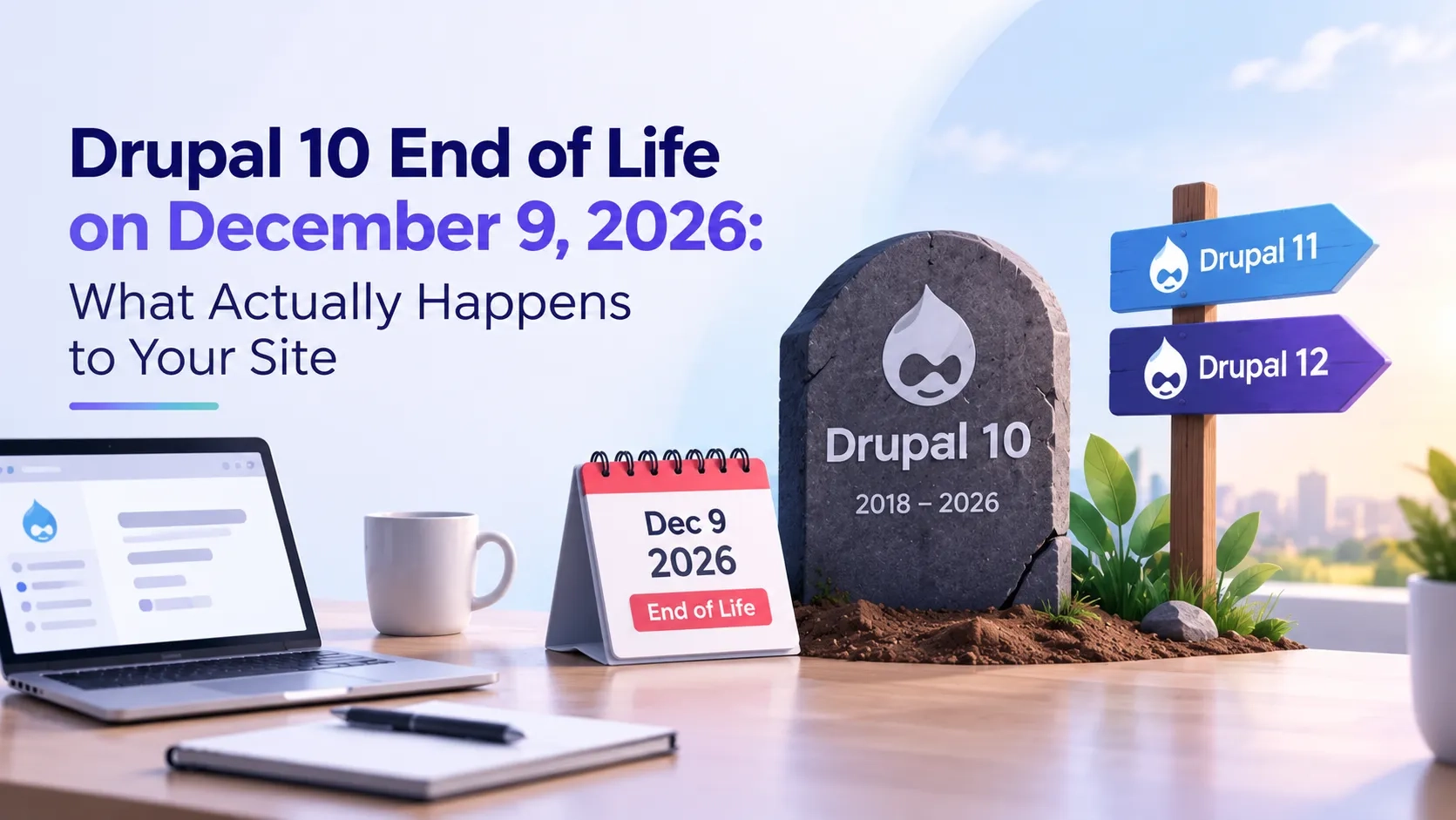
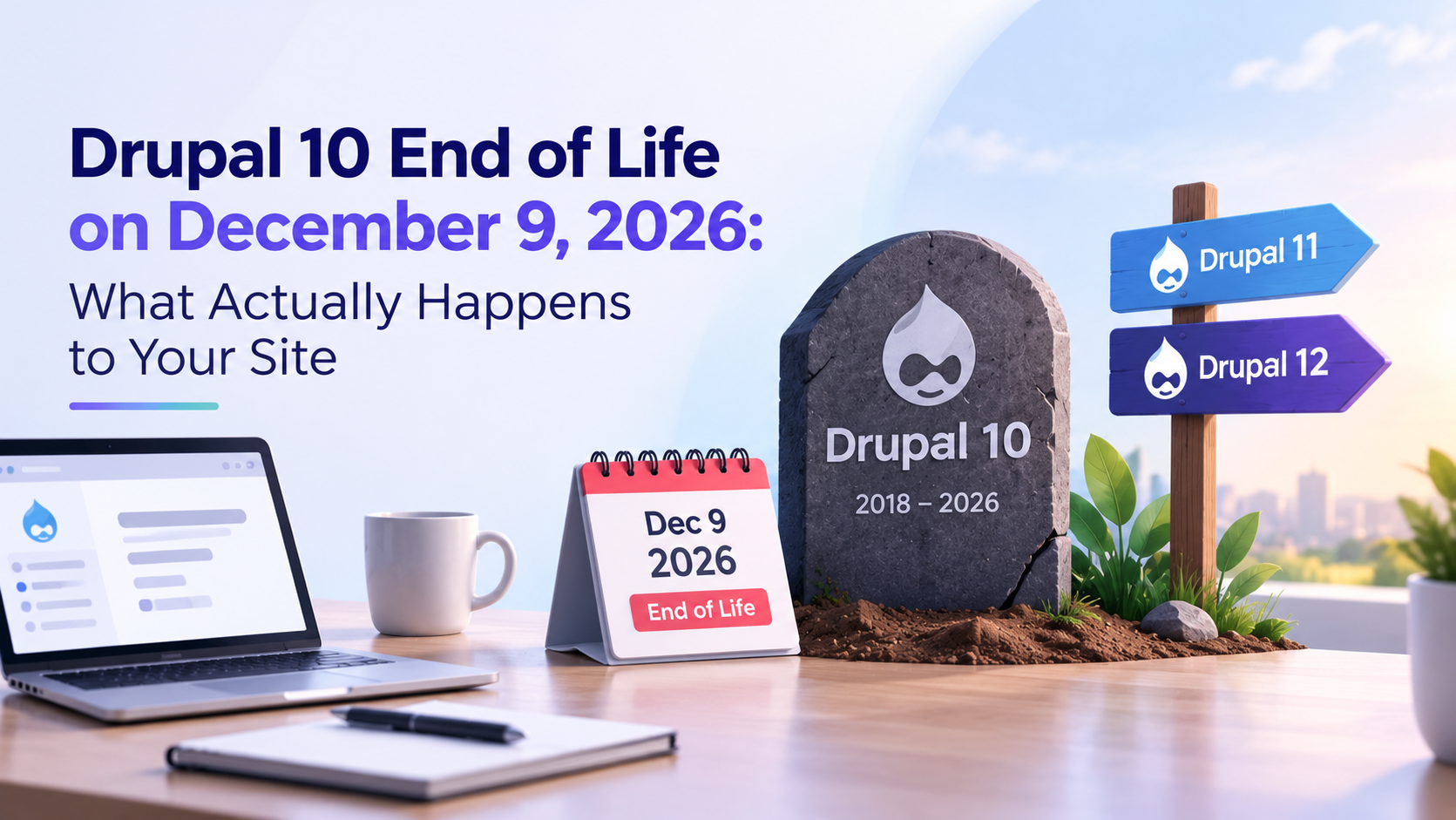
Drupal 10 End of Life on December 9, 2026: What Actually Happens to Your Site
 October 19, 2026
Drupal 10 follows the same path. Here is what actually happens on December 9 and what you need to do before it arrives.
Step 1: Understand What Stops on December 9
The Drupal Security Team is a dedicated group within the Drupal project that monitors, validates, and publishes security advisories for Drupal core and contributed modules. Every major security patch for Drupal goes through this team. Their advisories are published publicly at drupal.org/security.
On December 9, 2026, this process stops for Drupal 10. If a vulnerability is discovered in Drupal 10 core after that date:
- The Security Team will not release a patch for Drupal 10
- An advisory may be published noting the issue, with no fix attached
- Module maintainers are no longer required to release Drupal 10 compatible fixes
- Your hosting provider will not patch the application on your behalf
The site itself keeps running. The homepage loads, the admin panel works, visitors see nothing different. The risk lives in the codebase, not on the surface. That is what makes this type of exposure genuinely dangerous.
Step 2: Understand What Happens to Contributed Modules
Drupal core is one layer of what your site depends on. Most Drupal sites also run a significant number of contributed modules --- Webform, Pathauto, Metatag, Views (which ships with core but has satellite modules), and others specific to their build. These are maintained by developers across the Drupal community.
After Drupal 10 reaches end of life, module maintainers shift focus to Drupal 11 support. Modules that were getting regular updates may slow down or stop on Drupal 10. Security issues found in those modules will not be addressed for the Drupal 10 version. If a module is already behind on updates or has been abandoned, that problem is compounded after December 9.
The Upgrade Status module (drupal.org/project/upgrade_status) scans all installed modules and reports which ones have Drupal 11 compatible releases and which do not. Running this report is the fastest way to know how straightforward or complex your migration path is before committing to a timeline.
Step 3: Know What the Real Risk Looks Like
When Drupal 7 and Drupal 9 reached end of life, security advisories continued to be published on drupal.org --- they just came without patches for the end-of-life versions. Those advisories are public. Automated scanners that probe for vulnerable Drupal installations read them and act on them quickly.
A site running an unpatched version of Drupal does not look different from the outside. It loads normally, responds to requests, passes casual inspection. What an automated scanner sees is the Drupal version signature, the installed modules, and the known vulnerability list for that combination. The scan takes seconds.
After December 9, 2026:
- Vulnerabilities found in Drupal 10 core have no official fix
- Advisories describe the issue publicly, which informs both defenders and attackers
- Your hosting provider manages the server, not the Drupal application
- The exposure compounds over time as more advisories are published without patches
Step 4: Assess Where Your Site Stands Right Now
Before planning a migration timeline, you need a clear picture of where your site is today. Four factors determine how complex the migration will be:
- Which version of Drupal 10 you are running and how recently core was updated
- Which contributed modules are installed and whether they have Drupal 11 compatible releases
- How much custom module or theme code your site has, and whether it uses APIs that were deprecated in Drupal 11
- Whether you have a working staging environment to test updates before pushing to production
Install and run the Upgrade Status module first. It produces a per-module compatibility report and flags any deprecated API usage in custom code. That single report gives you an honest picture of the migration scope before you spend time estimating.
Step 5: Understand the Migration from Drupal 10 to 11
Drupal 10 to Drupal 11 is the most straightforward major version upgrade in Drupal's history. The two versions share the same underlying architecture. The Drupal project deliberately designed this transition to be low-friction. Most of the work is updating contributed modules to their Drupal 11 compatible versions, not rebuilding site structure or custom features.
The migration process for most sites:
- Update Drupal core to the Drupal 11 release using Composer
- Update all contributed modules to their Drupal 11 compatible releases
- Resolve any deprecated API usage in custom modules or themes identified by Upgrade Status
- Run database updates with drush updb
- Export configuration changes with drush cex
- Test thoroughly on a staging environment before deploying to production
- Deploy to production
A well-maintained Drupal 10 site with regular updates typically completes this migration in two to four weeks including testing. A site that has not been updated regularly, or has custom development built on deprecated APIs, can take six to eight weeks. The main variable is how much groundwork needs to happen before the actual version upgrade begins.
Drupal 11 was released in July 2024 and has been running in production on major sites since then. Starting now means doing the migration on your own schedule. Starting in late November means doing it against a deadline with less room to address problems that come up in testing.
Step 6: Know What Cannot Wait Until After December 9
Some teams plan to migrate after the deadline and manage the risk in the meantime. That is a decision, not an oversight, and it has specific consequences worth understanding:
- Every vulnerability published in Drupal 10 after December 9 carries no official fix
- Module maintainers stop supporting Drupal 10 versions, making bug fixes harder to get
- Some enterprise hosting providers flag or add conditions around running end-of-life software
- Drupal 12 is on the roadmap for late 2026, and community attention will shift significantly once it releases
- Security audits and incident response on an unpatched platform are more complex and more expensive than a planned migration
The migration itself does not become harder after December 9. The risk of staying on Drupal 10 accumulates from that date forward, and it compounds with each advisory published after it.
The Drupal 11 Performance Factor
Security is the direct reason to migrate before December 9. Performance is a secondary benefit that is worth understanding before you plan the work.
Drupal 11 introduced architectural improvements that reduce the number of database queries and cache lookups required for the same page requests compared to Drupal 10. The improvements are ongoing with each minor release. Sites migrating from Drupal 10 to Drupal 11 consistently report measurable PageSpeed improvements without additional performance work, because the platform itself is more efficient.
For teams migrating from Drupal 7 or Drupal 9, the performance difference is significant. For Drupal 10 to Drupal 11, it is real but more moderate, since both versions share the same base architecture. Either way, the migration pays off on both security and performance dimensions.
Common Questions --- Answered Directly
Does my Drupal 10 site stop working on December 9, 2026?
No. Your site continues to operate normally. What stops is security support. The Drupal Security Team will no longer patch vulnerabilities found in Drupal 10 after that date. The site runs, but the risk profile changes permanently from that point forward.
How is Drupal 10 end of life different from what happened with Drupal 7 and Drupal 9?
The mechanism is identical. Drupal 9 reached end of life in November 2023. Drupal 7 reached end of life in January 2025. In both cases, security advisories continued to be published for vulnerabilities found after the EOL date, but no patches were released for the end-of-life version. Drupal 10 follows the same process on December 9, 2026.
What if I cannot complete the migration before December 9?
If a full migration is not achievable before the deadline, a security audit is the most practical next step. Identifying and addressing the highest-risk modules and configurations reduces your exposure while you complete the migration. A site that has been audited and hardened is in a materially better position than one that has not, even if both are still on Drupal 10.
Is Drupal 11 stable enough for a production site?
Yes. Drupal 11 was released in July 2024 and has been running in production on major commercial and government sites since then. It is the actively maintained, recommended version for all current Drupal projects.
What happens to my contributed modules when Drupal 10 reaches end of life?
Most actively maintained contributed modules already have Drupal 11 compatible releases. Modules that do not are typically ones that have been abandoned or are behind on updates. Both are security concerns regardless of the December 9 deadline. Use the Upgrade Status module (drupal.org/project/upgrade_status) to scan your installed modules before starting migration planning.
Will my hosting provider handle this for me?
No. Hosting providers manage server infrastructure --- operating system patches, server security, PHP version management, and uptime. They do not manage the Drupal application layer. Drupal core updates, contributed module updates, and version migrations are the site owner's responsibility. Managed Drupal hosting on platforms like Acquia or Pantheon includes application support, but the migration work still needs to happen.
How long does migrating from Drupal 10 to Drupal 11 take?
Two to four weeks for a well-maintained site with regular updates. Six to eight weeks for a site with significant custom development built on deprecated APIs, or one that has not been kept up to date. The Upgrade Status module report gives you a realistic sense of scope before you start.
Does moving to Drupal 11 improve site performance?
Yes, measurably. Drupal 11 introduced architectural improvements that reduce database queries and cache lookups compared to Drupal 10. Sites migrating from older Drupal versions consistently see PageSpeed improvements as a byproduct of the migration, before any dedicated performance work is done.
Drupal D10 End of Life --- Action Checklist
- Check your current Drupal 10 version at /admin/reports/status
- Install and run Upgrade Status (drupal.org/project/upgrade_status) to get a module compatibility report
- Identify any custom modules or themes using APIs deprecated in Drupal 11
- Set up or verify a staging environment before starting any updates
- Update all contributed modules to their latest Drupal 10 compatible releases as a first step
- Update Drupal 10 core to the latest minor version before starting the Drupal 11 upgrade
- Run the Drupal 11 upgrade on staging and test all critical functionality
- Resolve any PHP deprecation warnings or errors that appear post-upgrade
- Run drush updb and drush cex to update the database schema and export configuration
- Deploy to production before December 9, 2026
- If migration is not possible before the deadline, run a security audit to reduce exposure in the interim
Not sure how complex your Drupal 10 to 11 migration actually is? Get in touch and we will look at your specific setup --- current version, module compatibility, and what the migration actually involves for your site.
Get in touch → drupalify.com/contact

Dixit Patel
Web Developer & BloggerI write about web development, programming tips, and Drupal Commerce solutions. Follow me for tech tutorials and updates.




Struggling with
Let Us Audit Your Website for Free & Share Actionable Fixes