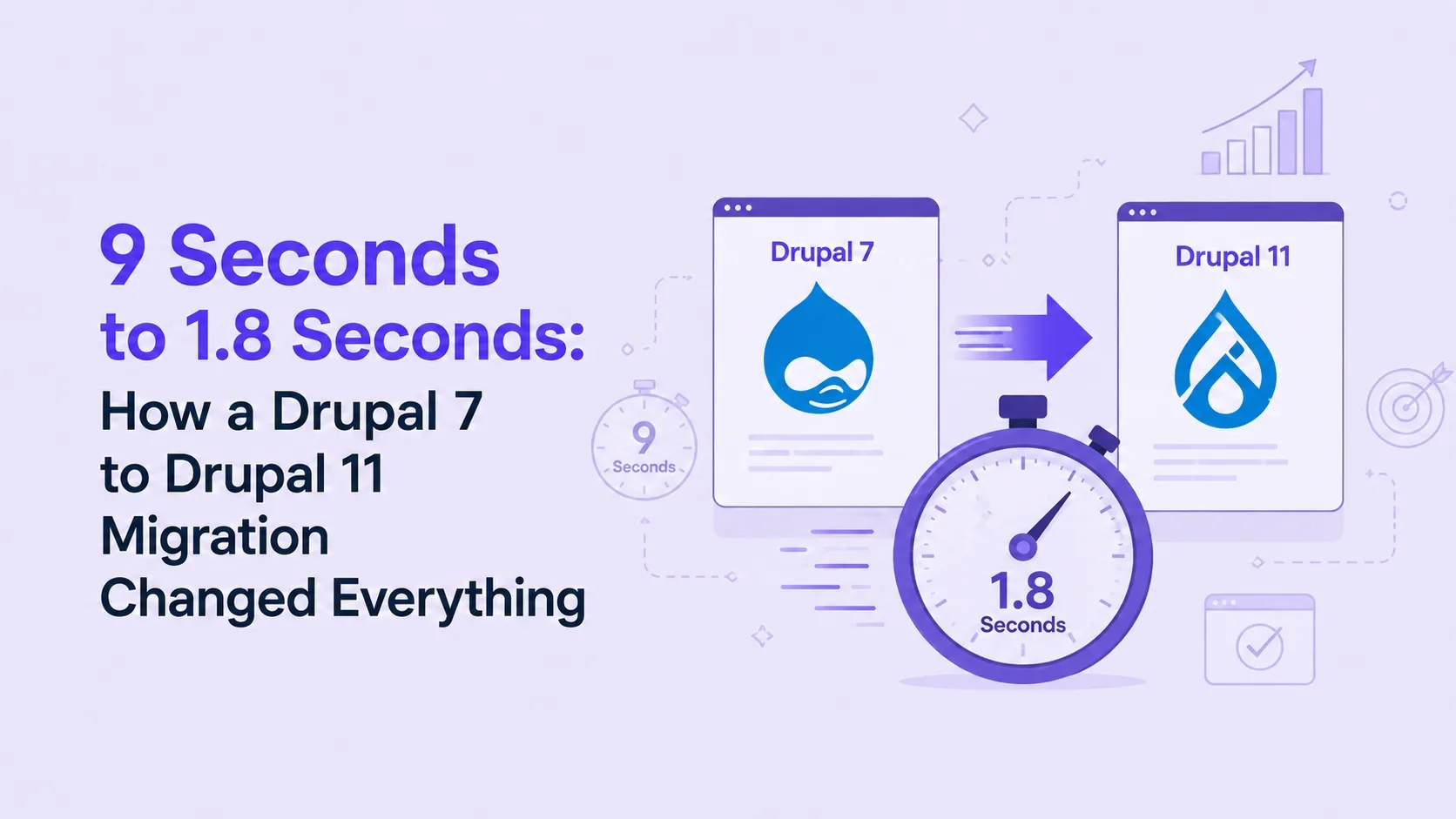
9 Seconds to 1.8 Seconds: How a Drupal 7 to Drupal 11 Migration Changed Everything
 May 18, 2026
Most migration guides tell you what to do. This one tells you what actually goes wrong — and how to handle it before it becomes a crisis.
If you're running a Drupal 7 site in 2026, this is the most important thing you'll read today.
Why This Is Urgent Right Now
Drupal 7 reached end of life in January 2025.
No more security patches. No bug fixes. No community support.
Every day your site stays on Drupal 7, it becomes a more attractive target. Search engines are already flagging outdated sites. And if a vulnerability gets exploited, your data, your rankings, and your business take the hit.
Drupal 11 is the current stable version. Faster, more secure, built for the next decade.
The migration is not optional anymore. The only question is whether you do it on your terms — or in an emergency.
The 3 Problems That Break Most Drupal Migrations
These three problems appear in almost every project. Knowing them in advance is the difference between a clean migration and a complete disaster.
Problem 1: Module Incompatibility
The most common reason migrations go over budget and over deadline.
Not every Drupal 7 module has a Drupal 11 version. Some were abandoned years ago. Some exist but are not stable enough for production use.
What happens if you miss this: You start the migration, hit a module wall at week 3, and have to delay the entire project — or remove features your users depend on without warning.
What to do instead : Before anything else, audit every active module on your site at drupal.org. For each one,ne check: Does a Drupal 11 version exist? Is it actively maintained? When was the last stable release?
For modules with no path forward — find an alternative, rebuild it custom, or retire the feature. Knowing this on day one means you can plan. Finding it on day 30 means panic.
Problem 2: Undocumented Custom Code
Most Drupal sites running 5+ years have custom code buried inside them. Custom modules, theme overrides, and sometimes direct patches to Drupal core.
This code was often built by developers who have since moved on. Undocumented. Inconsistent. And it breaks completely in Drupal 11.
What happens if you miss this: Mid-migration, and you find that a core feature depends on a custom module nobody fully understands. Rebuilding it from scratch adds weeks.
What to do instead: Before migration begins, document every custom module — what it does, what it connects to, what breaks without it. If the original developer is gone, reverse-engineer it now. Not during a live migration.
Problem 3: A Backup Nobody Has Ever Tested
Every site owner says they have backups. Most have never recovered from one.
Corrupted files, incomplete exports, missing assets — you find out when you need it most.
What happens if you miss this: Something goes wrong mid-migration. You open the backup. It fails. Now you're migrating a broken site with no clean baseline.
What to do instead : Take a fresh backup right now. Restore it to a test environment. Confirm the site loads and the content is intact. Do this before migration starts — not during, not after.
The Migration Checklist That Actually Works
Audit Phase
- Full module compatibility check completed
- Custom code documented and reviewed
- Fresh backup taken and restore-tested
- All content types and fields are mapped
Setup Phase
- Staging environment created (never migrate to live)
- All replacement modules installed and tested
Migration Phase
- Content migrated to staging first
- All URLs mapped with 301 redirects are prepared
- Mobile and desktop testing completed
Launch Phase
- 301 redirects live
- SSL and HTTPS are fully configured
- 48-hour post-launch monitoring in place
Miss any of these, and you are not migrating — you are gambling.
What a Proper Migration Actually Delivers
Manual/untested
Sites that move to Drupal 11 with proper planning consistently see faster load times, better search rankings, and lower bounce rates.
Realistic Timeline
A proper Drupal 7 to Drupal 11 migration for a medium site (500–2,000 pages) takes 4 to 8 weeks.
Rush it and you will spend more time fixing post-launch problems than the migration itself took.
Build a buffer. Plan for what you do not know yet.
The Bottom Line
Drupal 7 is done. Drupal 11 is ready.
Every migration has problems. The difference is whether you find them before you go live — or after.
Audit your modules. Document your custom code. Test your backups. Map your URLs. Build a staging environment.
Do these things, and your migration will go the way it should.
Skip the m, and you will find out the hard way why everyone keeps saying: plan first, migrate second.
Free Drupal site audit available — no pitch, just a clear picture of where your site stands. Visitwww.drupalify.com. Drupalify is a leading Drupal development company offering expert Drupal web development services. Call us today!

Dixit Patel
Web Developer & BloggerI write about web development, programming tips, and Drupal Commerce solutions. Follow me for tech tutorials and updates.


Struggling with
Let Us Audit Your Website for Free & Share Actionable Fixes